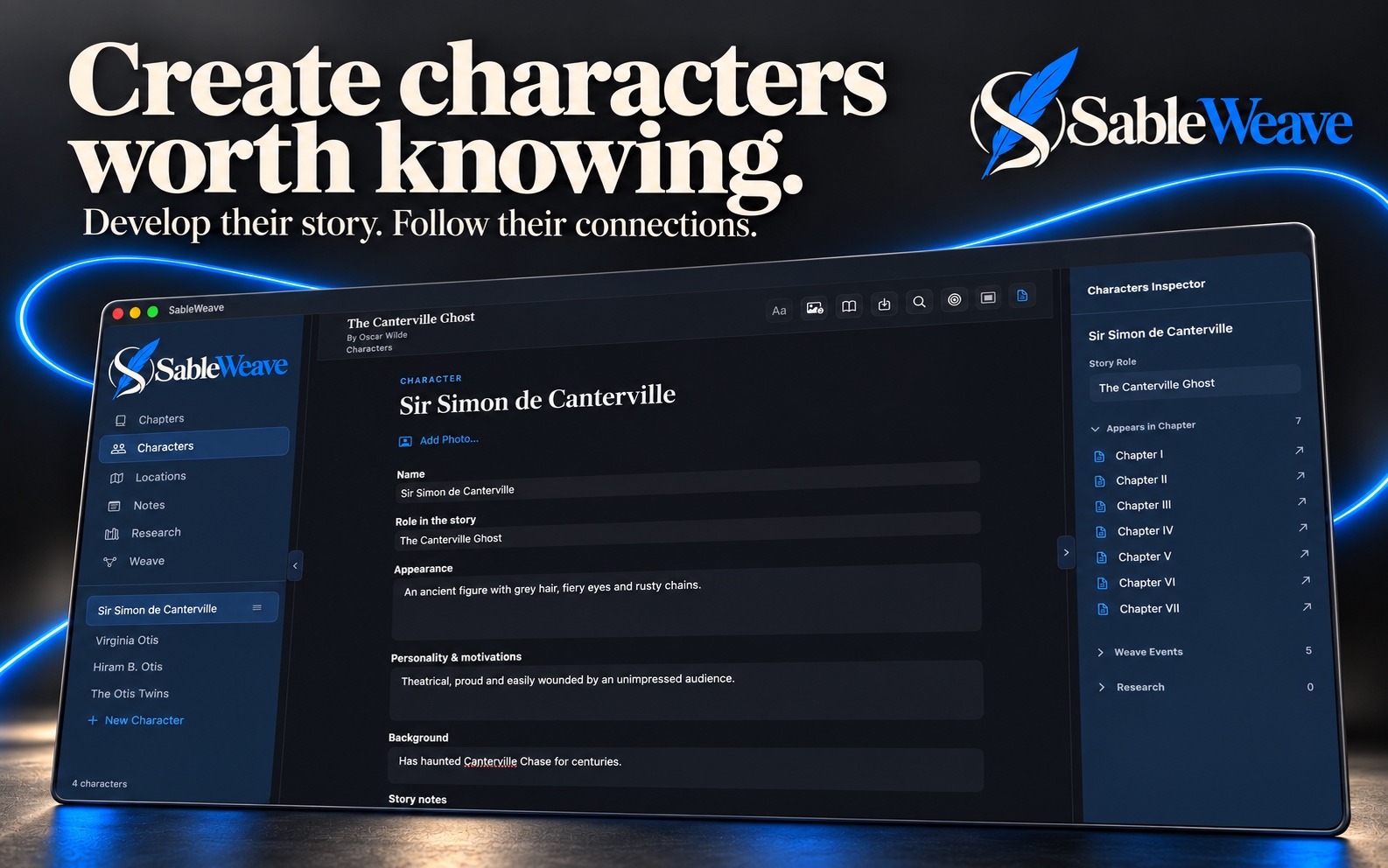
CHARACTERS & LOCATIONS
Give your world a cast. And a place to live.
Build character and location profiles with images and details. Connect the people and places in your story to chapters and Weave events, so the context stays close to the writing.

WRITING & WORLDBUILDING · MAC & IPAD

From the first idea to the finished manuscript, keep your writing, your world, and the threads between them in one thoughtful workspace.
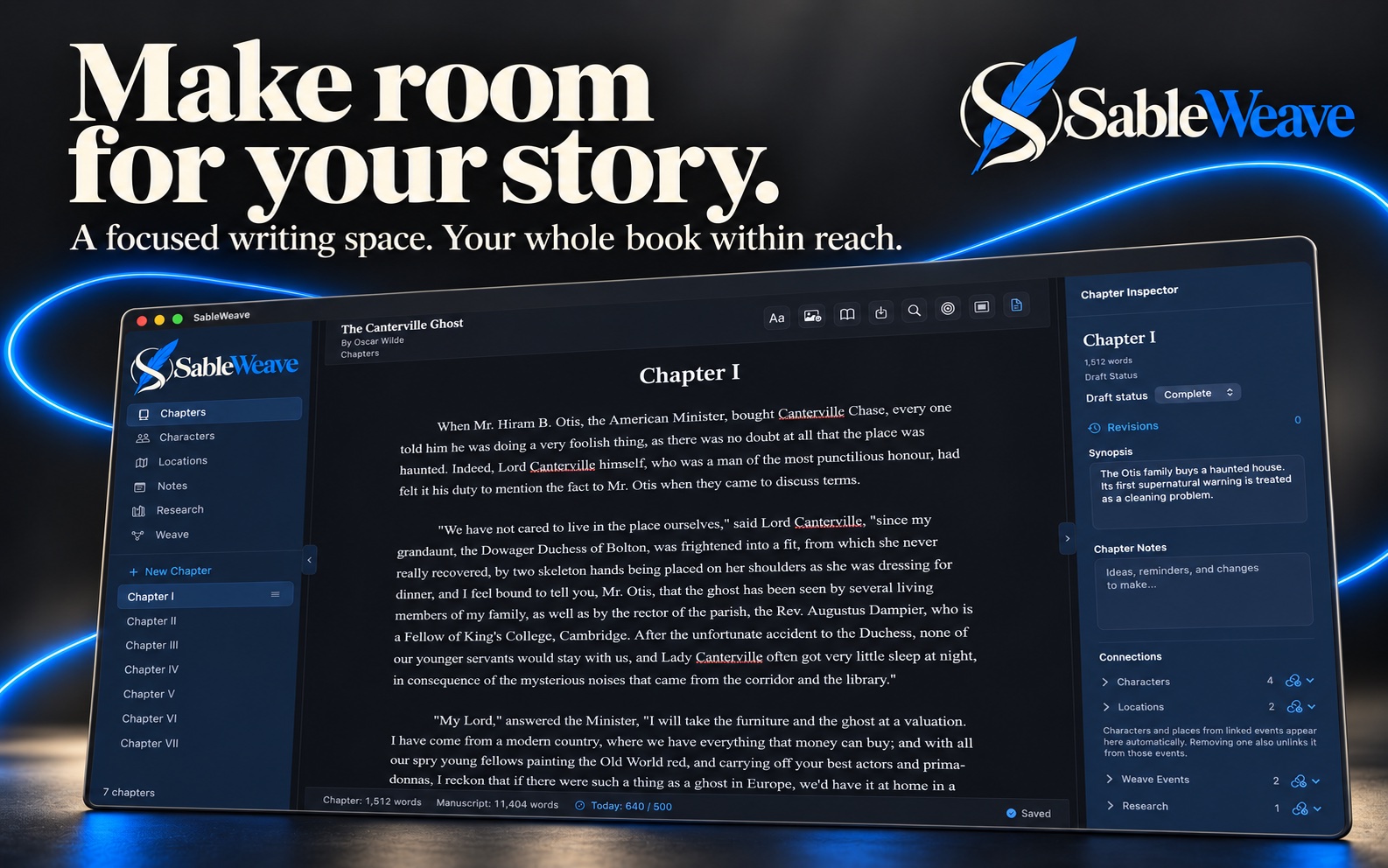
ROOM TO FOCUS. SPACE TO GROW.
SableWeave brings a chapter editor, planning tools, research, and story connections together. Spend less time hunting for the detail you need and more time shaping the story you want to tell.
Write with formatting, fonts, lists, find and replace, and spelling tools. Keep planning notes separate from the story you export.
Arrange parts and scenes, review the manuscript overview, and follow draft status, viewpoints, and progress as your book develops.
Save named revisions, work through comments and suggested edits, and bring supported Word feedback back into your chapter.
CHARACTERS & LOCATIONS
Build character and location profiles with images and details. Connect the people and places in your story to chapters and Weave events, so the context stays close to the writing.
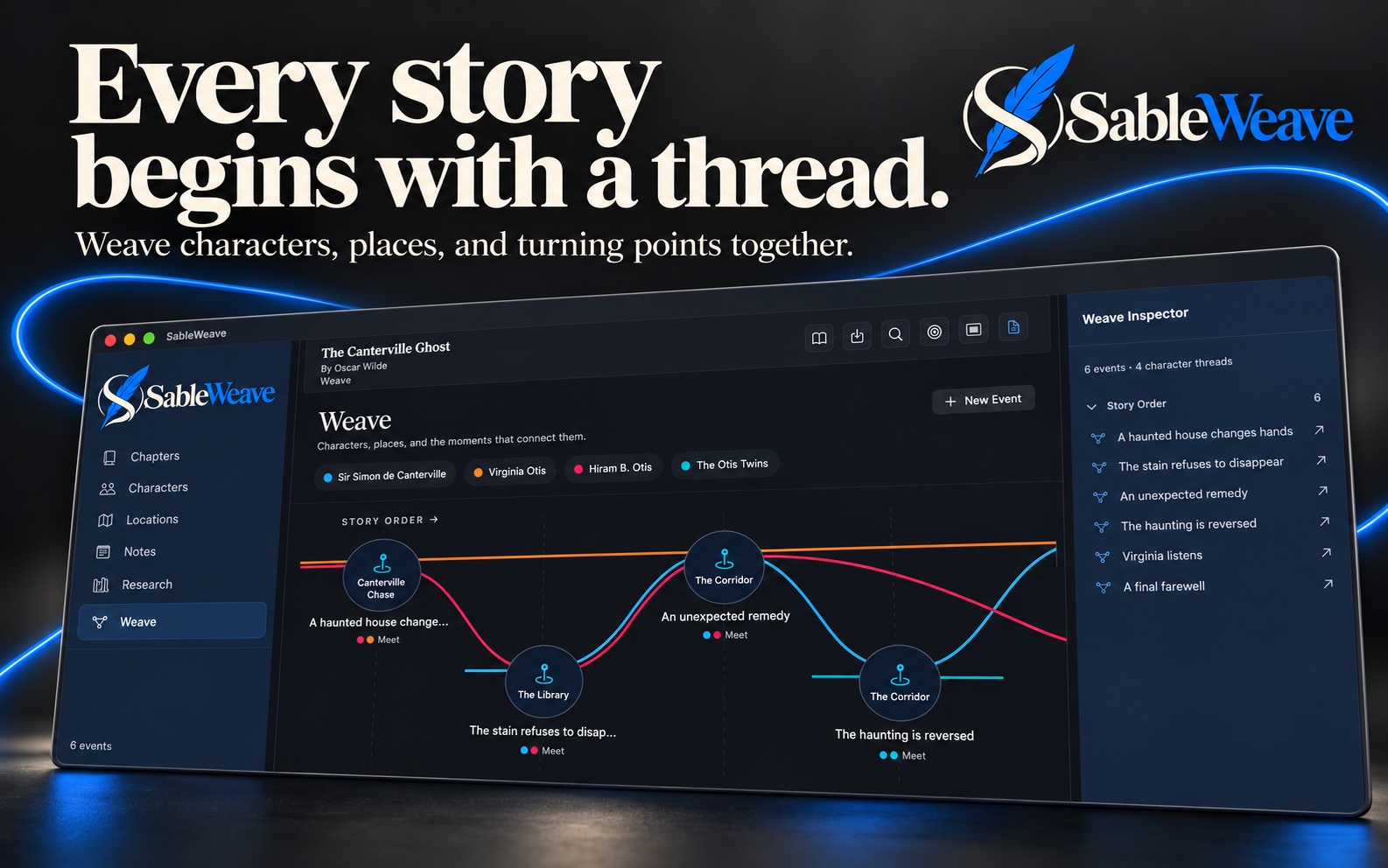
THE WEAVE TIMELINE
Arrange story events on a visual timeline. Follow character threads, link locations and chapters, and explore how your story’s turning points connect.
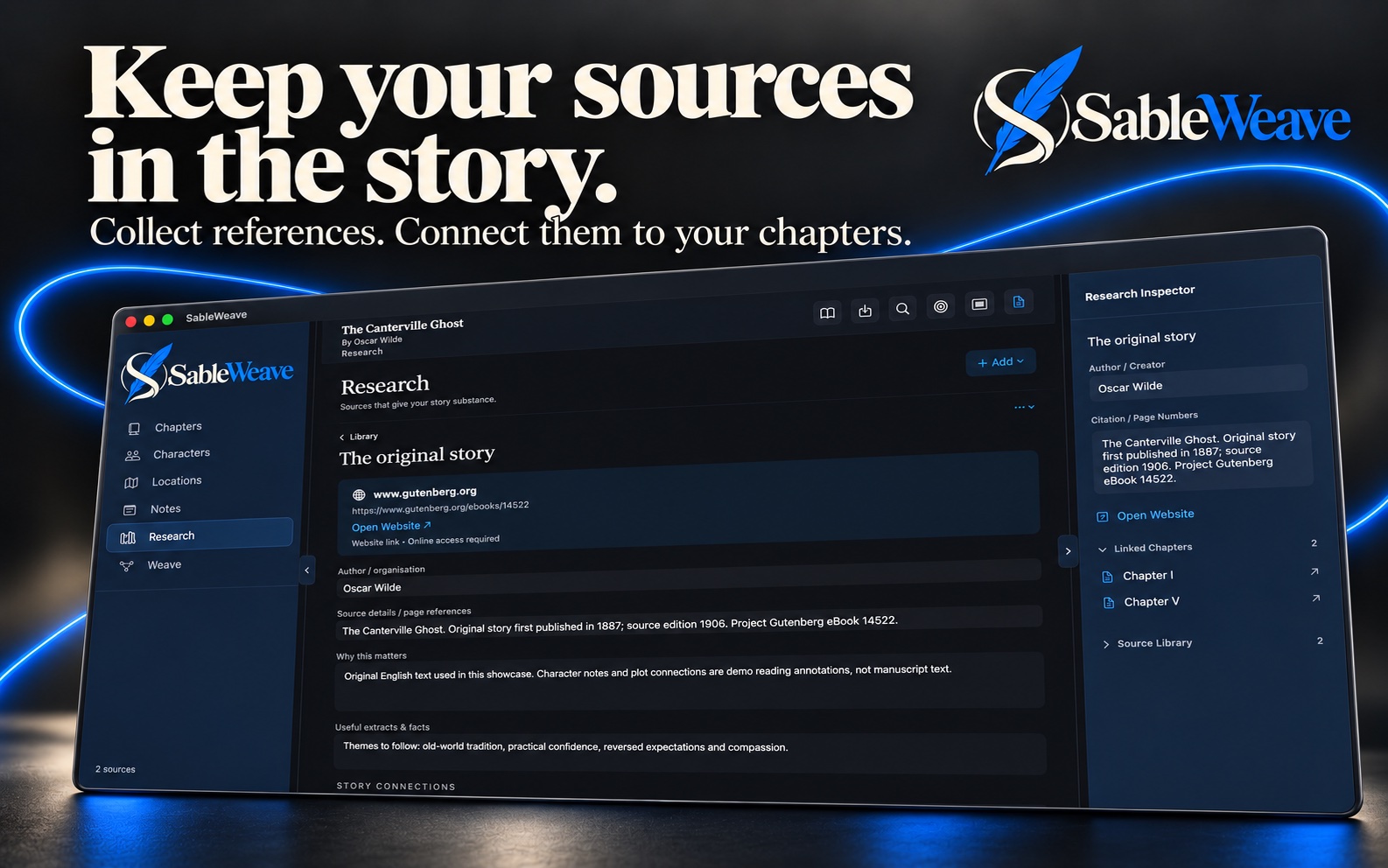
RESEARCH & SOURCES
Collect source information, website links, and imported research files. Link sources to chapters and keep the material that informs your writing in the same project.
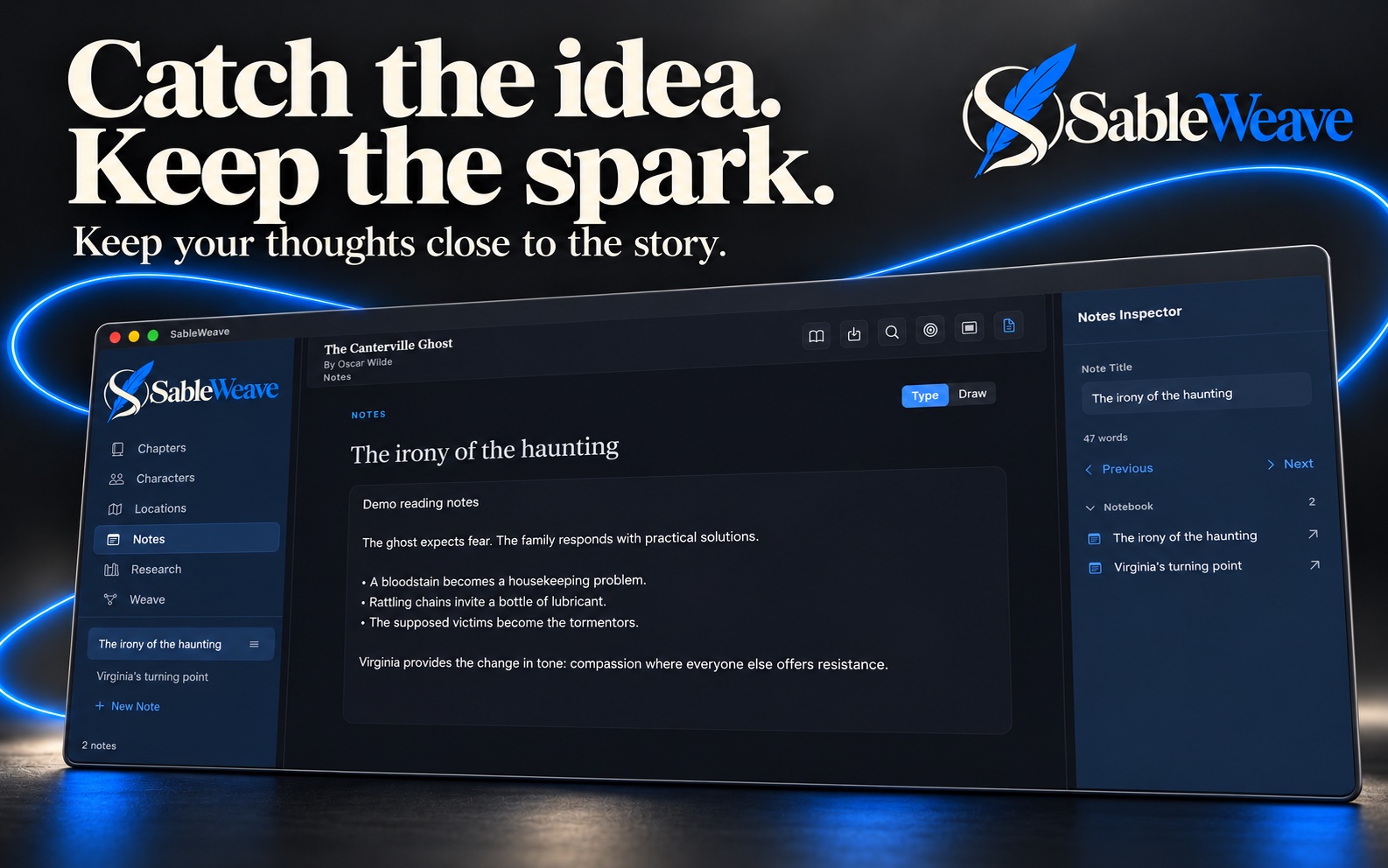
NOTES & SKETCHBOOKS
Keep notes and drawings alongside your manuscript. Capture the thoughts, plans, and visual ideas that help your world take shape.
YOUR WRITING. YOUR PROJECT FILES.
SableWeave keeps your manuscript and its story material together in an editable project file. Work locally, or save in a folder you choose.
To move between Mac and iPad through iCloud Drive or another shared location, finish saving and close the project on one device before opening it on the other. Shared files are for moving between devices; simultaneous editing is not a collaboration workflow.
THE TOOLS BEHIND THE STORY
Organise parts, chapters, and scenes. Reorder your manuscript, split or merge chapters, and track synopses, viewpoints, draft status, and word counts.
Set book targets and deadlines, follow your word counts, and give each writing session a clear direction.
Pin characters, locations, notes, research, or other chapters in a reference panel while keeping your current chapter open.
Anchor comments to passages and review suggested edits. Exchange chapter review copies with Word and accept or reject imported tracked text changes.
Attach footnotes, endnotes, and citations to your manuscript. Build a bibliography from your research using APA, MLA, or Chicago styles.
Save a reusable project starting point and use tags to find, filter, and organise your story material.
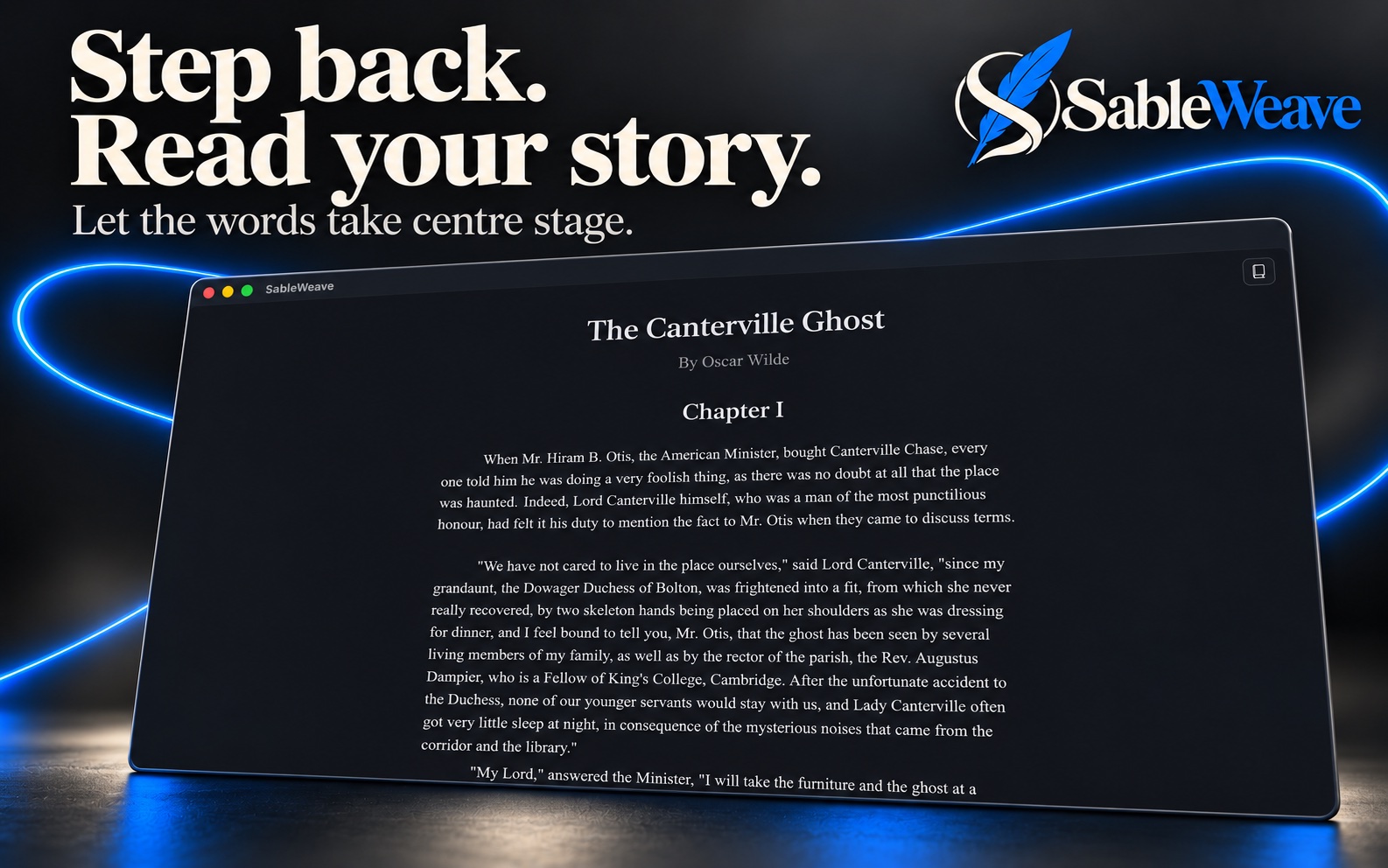
Step back from editing and read your manuscript in chapter order. Choose light or dark appearance to suit your workspace.
Import DOCX, RTF, or plain text. Export PDF, Word, or reflowable EPUB, with layout controls, contents, and optional chapter images.
Write with screenplay elements and exchange supported core screenplay content through Fountain and Final Draft files.

Make room for yours with SableWeave.
Follow our journey ← Back to Rio Nova Interactive